APPS for Monitoring and Protecting Your Child (and yourself) on the Web

I am happy to share with you that there are FREE parental control apps available. As we watch our budget, we still may want to monitor the activities our young people returning to school are engaging in on their phones, particularly in this digital age where smartphones have become such a dominant part of our lives. In addition to this, monitoring how much time they spend on their devices can help foster a healthier balance between their online and offline activities. Setting daily device time limits not only aids in managing their screen time but can also positively influence our own device usage as adults.

These parental control apps can provide peace of mind by allowing you to oversee app usage, track screen time, and even filter inappropriate content. This is essential, especially as children navigate the vast and sometimes risky online environments. Furthermore, the availability of these resources at no cost means that budget constraints do not have to compromise the safety and well-being of our young people.

To assist you in making an informed choice, I have compiled a list of some effective and user-friendly free parental control apps. Below are some useful links, which will give you a detailed description of the features available, how to set them up, and what options are best suited for your family’s needs. Feel free to explore these resources to find the perfect solution for monitoring device usage and ensuring a safe digital experience for your children.

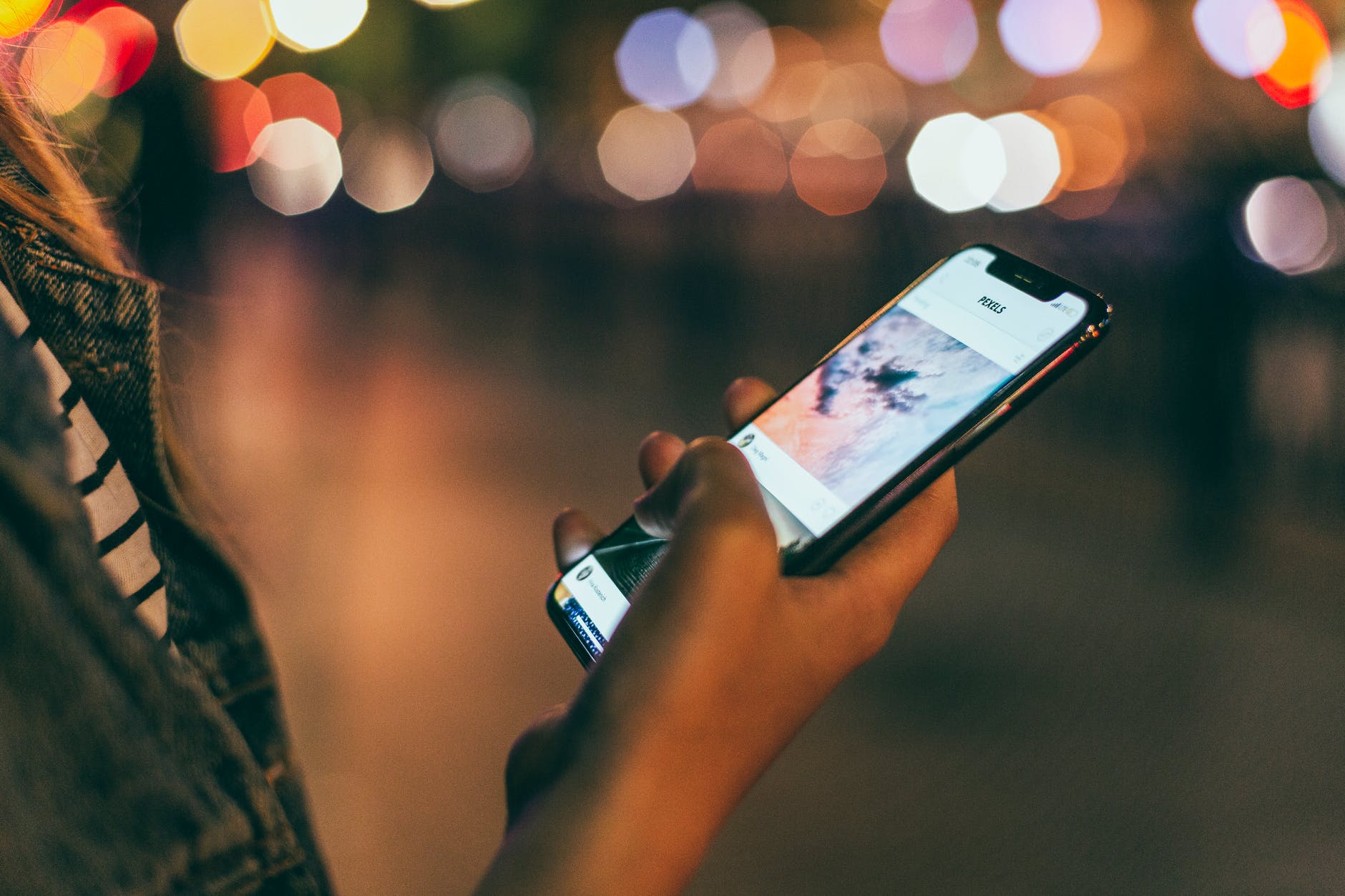
Photo by RDNE Stock project on Pexels.com

Google Family Link is simple to set up and use. Parents can manage their child’s devices, check privacy settings, block apps, track their location, set daily time limits, monitor usage, lock devices from afar, and filter web content on Google Chrome.

Over the years I have often checked PC Magazine for technical advice and best deals. I was happy to see that they remain a useful resource. This post includes a link to an article featuring several free parental control apps from PC Magazine. As your kids go back to school, these options can help them use their phones safely. https://www.pcmag.com/picks/apple-vs-google-vs-microsoft-who-has-the-best-free-parental-controls
Mashable has some suggestions and describes parental control apps, some of which are free. No worries, these are listed as a convenient compromise. Read the link below about parental control apps for the iPhone. https://mashable.com/roundup/best-parental-control-apps-for-iphone

It doesn’t matter what age your kid is: Whether it’s their very first phone or their fifth, parents are going to worry about what’s behind that scrolling and tapping. Parental control apps have come to be a convenient compromise between kids who really don’t want to hand over their phone and parents who really don’t want to have to confiscate it.

BEST WEATHER APP and More

News you can use 🙂

If you haven’t already signed up for the How-To Geek Newsletter, my advice is that you should. It’s a fantastic resource that provides insightful updates and valuable tips on technology that can enhance your daily life.

I recently received my Newsletter and learned about two apps that you may find exceptionally useful. The first is a remarkable weather application, as reported by How-To Geek. You can explore it further at this link: AccuWeather. This app offers detailed weather forecasts, real-time alerts, and interactive maps, making it easier for you to plan your day based on the latest weather conditions. Whether you’re planning a trip, going for a run, or just want to stay informed about any changes in the weather, this app can help keep you prepared.

Staying updated with weather changes is crucial, and having a reliable tool at your disposal can make a significant difference in how you manage your activities. So, if you haven’t checked out AccuWeather yet, I highly recommend that you take a look!

Photo by Pixabay on Pexels.com

Then there is the UV Lens app. Why is UV Index Important?

Understanding the UV Index is essential for protecting your skin and eyes from harmful ultraviolet (UV) radiation. UV rays are a leading cause of skin damage, premature aging, and even skin cancer. Overexposure can also harm your eyes, leading to conditions like cataracts or photokeratitis.
Source: https://www.secondmedic.com/blogs/understanding-uv-index-and-skin-protection-a-complete-guide

All the best in Wellness!

FYI – Hearing Apps

FYI: ai Voice Cloning SCAMS

As usual the Geek Squad has provided us with important information. Click the link for guidelines on how to identify voice cloning scams, which are on the rise. 

Be Safe!

Climate Action Apps for Climate Future Wellness

When you find a moment listen to my podcast about how we can be involved in some small way to make a difference for our families and their futures on planet Earth.

Podcast available on Apple and other platforms

Join and have an impact on making a difference with the Climate Action Now movement.

Choose to make a difference by making a choice. Read about other climate change apps at the link below:

https://www.tomsguide.com/us/climate-change-environmental-apps,review-2377.html

BENEFITS – download the pdf

Climate Action Now – Team and Information
https://www.climateactionnow.com/partners-projects/

TIS the Season for UPS Text SCAMS

Just FYI – Here’s what you need to know about UPS Text Scams. Use the link below.

Happy Holidays !

Using the Safety Apps on Your Mobile Phone

This post is for your information and safety. You may be surprised by how easy it is to set-up your “In Case of Emergency” – ICE contacts on your mobile phones. This critical information could possibly save your life or get you expedited help on your way to the hospital. For example, in the free apps on your mobile phone, you can provide your blood type. In addition, it helps emergency personnel know whom to contact on your behalf in the event of an emergency.

When you have a moment, listen to my podcast on why you may want to consider using these free apps, which are available on your mobile phone. Then use the support links below to read and use the guidelines setting up your emergency contact information.

This podcast is available on Apple podcast, Google podcast, and other platforms of your choice. 
Just click this link to select:

https://anchor.fm/judith-guerra7.

Find detailed information and resources about emergency cell phone apps at the Medical Alert Advice website by clicking the 911 icon.

Android users can find assistance with filling out the Medical ID information using the links below.

 android-app—medical-id-instructions.pdf (jointcommission.org)

https://medicalid.app/

Apple has various ways to use emergency features on the iPhone. Click the link below to learn more and to setup your medical ID on the Apple phone using the Health App.
https://support.apple.com/en-us/HT207021

Sources:
https://www.pcmag.com/how-to/how-to-add-emergency-info-to-your-phones-lock-screen
https://freeappsforme.com/medical-id-apps/
bSafe – Never Walk Alone on the App Store (apple.com)

Using APPs for Mental Wellness

According to a recent post at the VeryWell.com Website:

Complementary Treatments are approaches to health that occur alongside conventional medical treatment. Studies show that complementary therapies positively impact mental health disorders, particularly anxiety and depression.”

For a detailed list of complementary therapies such as yoga, dance, and art, click the link below:

https://www.verywellhealth.com/alternatives-to-therapy-5217661

One of the best overall Mental Health Apps of 2022 is Moodfit. To learn more about Moodfit click this link – https://www.getmoodfit.com/

Use the link below to get a list of the Best 2022 Mental Health Apps that can be downloaded to a tablet or smartphone.
https://www.verywellmind.com/best-mental-health-apps-4692902

Another source for Mental Health Apps can be found at the link below. At this website you can learn about the Pros and Cons of each app in addition to the cost.

https://www.healthline.com/health/mental-health/mental-health-apps#A-quick-look-at-the-best-mental-health-apps-for-2022

Use the link below for the Stop Suicide App, which is free.
https://thebetterappcompany.com/better_stop_suicide


For more suicide prevention apps
https://www.tomsguide.com/us/suicide-prevention-apps,review-2397.html

Best wishes for mental wellness,
Judith


FYI – What Are Health Cards?

This YouTube video may give you the answers you’ve been looking for to understand what Health Cards (e.g., New York’s Excelsior Pass) are, and how they can be used in various businesses. Health Cards are easily retrievable using your mobile phone with an app. At this writing, more than 20 states—including Connecticut, Nevada, Hawaii use Health Cards.

Find out more at the sources below:
Source: How Does the COVID SMART Health Card Work? (verywellhealth.com)

https://epass.ny.gov/home

Celebrating Black History Month with Technology

I am delighted to learn about these APPS and to share this news with you during Black History Month. So much progress has been made with the African-American additions to the technology field.

Click the links to learn more.