The Accidental Family Help Tech…

canstockphoto15142264In your family tree are you the Help Tech?  That is to say, you have “some” experience with fixing relatively easy computer problems, but you seem to be the most knowledgeable one in the family for random computer issues. Isn’t it often the case that you don’t know the answer right off the top of your head, chances are you know where to go to find the best answer(s) to ‘fix’ the problem.

I am often searching the www for computer solutions to issues that come up with mobile phones, computers, word processing, or new Apps.  The list is very long.  However, now and then I find a piece of information that is one of the best solutions I’ve come across to explain how to do something step-by-step. Continue reading

SmartPhone Leasing…What’s the deal?

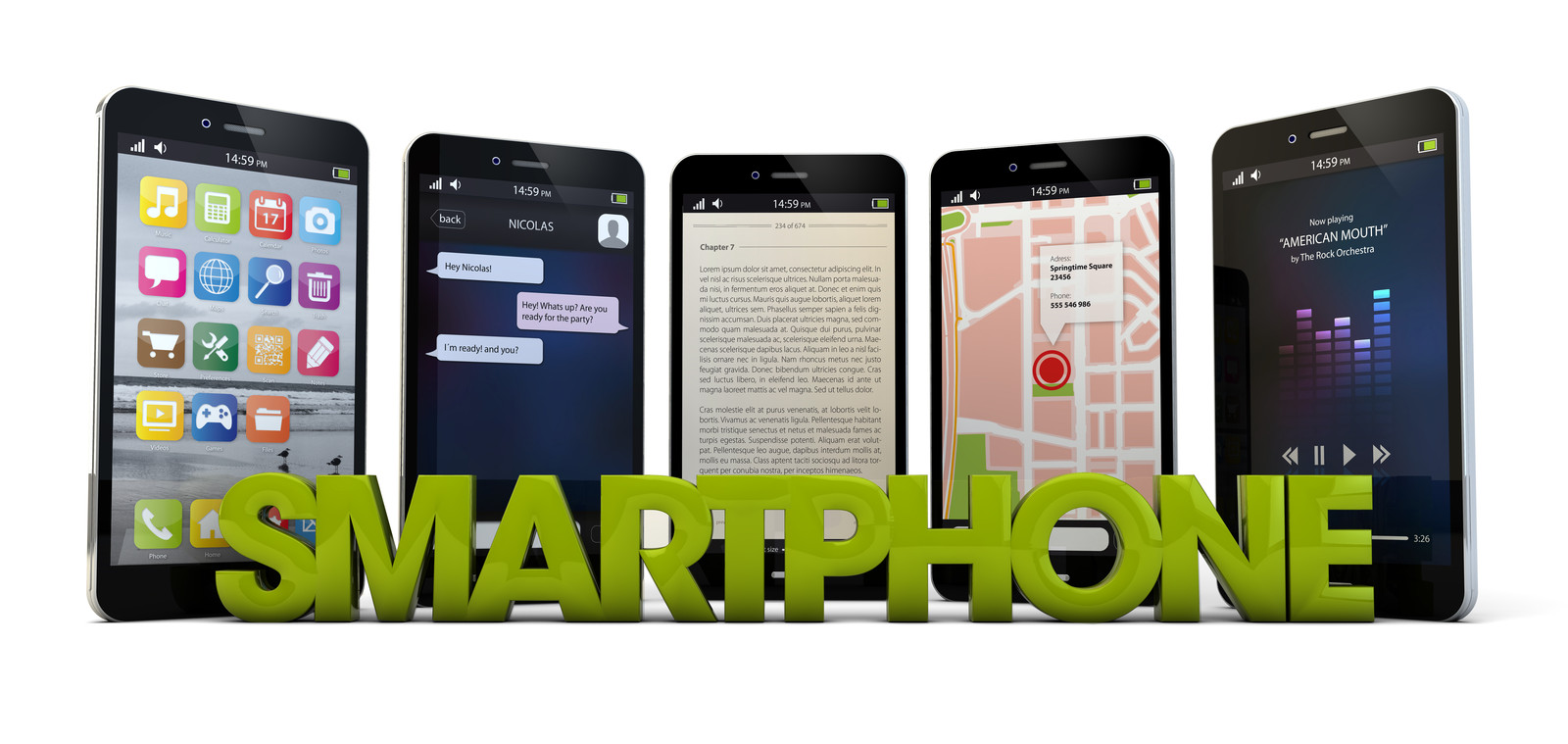
canstockphoto16723097Just when you thought you understood how to get a new smartphone after your contract period is up, the wireless carriers introduce the “early upgrade plan”.  Do you have any idea what that is, or if will it work for you?  I checked out an article that discusses the pros and cons of this new “deal“.  Apparently,  it’s still cheaper to own your smartphone, but it depends on what type of smartphone user you are.  One thing is for sure, if you’re the kind of smartphone user who gets excited about any new feature, then this may be the plan for you.  Below are some of the highlights reviewed in the NYTimes article.  Make sure to check out the link at the end of this post for exact details. Continue reading

Getting Politically Savvy with APPS

social vote_oct 15The APP phenomenon allows us to be connected socially using Twitter, Facebook, Instagram, to name a few. More recently,  we can also be connected using politically social apps.

The 2016 presidential race will not only be televised, now you can participate in the social conversation via your smartphone.  In addition, you can cast your vote on issues like gun control, healthcare and the environment. There are apps that have a transcript of the US Constitution.  Did you know the Library of Congress has a Constitution app, which is free?  You can also use an app that takes top political stories and makes them available all in one place. Many of these apps are available free of charge.

Take a moment to check out the links below, then review the article for detailed information.

♦ ♦ ♦ ♦ ♦ ♦

  1. Library of Congress APPs: http://www.loc.gov/apps/
  2. Brigade: iTunes app
  3. Polito-MixAndroid
  4. Polito-Mix: iTunes app

I hope this is helpful 🙂canstockphoto6234770

Extra! Get Your News Apps

news w apps It’s a challenge just keeping up with all the new things happening with technology.  Therefore, my mission is to bring those technews items that could be useful not only for BabyBoomers, but interesting for those who have a Smartphone, tablet, or curiosity  in ‘what’s happening with tech’ :). Continue reading

Ready…Set…Back to School Technology & More

It seems that it was not so long ago that preparing our grade school children, high school teenagers, and college bound  students for back to school items consisted of purchasing new clothing, books, pencils, crayons etc.  Maybe we knew more recently about laptops, or desktop computers; however, there is a whole new world out there when it comes to understanding what to buy for your students, and yourselves :). That’s why Tech4Boomers searched around for some suggestions that you could review if you are still deciding what to do, and what to buy.  Continue reading

Are Your Online Accounts 2FA Protected?

hackers1Let’s face it.  We all keep fighting the good fight, but every time we hear a news story about HaCkErS a shudder runs through our brains.  And moreover, we wonder whether we, or the companies have any control over our security ONLINE.  After all, we can have super passwords and usernames, but if the companies where we use those keys to get access to our information are not well-prepared to protect us, what are we to do? Continue reading

Where’s your car? Find it with APPs

Ok BabyBoomers, this question is for you🙂 :

What did you do the last time you parked your car, and when you went to pick it up you could not remember where to look for the car?   Did the BabyBoomer friends you were having all that fun with recall where you parked the car? Continue reading

Deadwood: When is the last time you cleaned up your Apps?

Fyi_33Deadwood: We’ve all heard the word and what it implies. But, have you ever thought that you could be in support of it?

I read an article by Nick Bilton of the New York Times recently about Apps, which have access to your social accounts. Continue reading

Job APPS Savvy

mobile productivityThere is no longer any doubt that in today’s world often we use technology to help us with our lives. As a matter of fact, JOB HUNTING is no longer done in the old-fashioned way, and I don’t mean newspapers. I’m sure most of you are familiar with the on-line application process.  Making your way through the many application requirements, and then hoping that you will be among the very lucky prospective candidates to get a response can be frustrating, to say the least. Continue reading

Passwords Conversations

canstockphoto13013303

OK, let’s be honest with each other. How many passwords do you have?  For myself,  I’ve lost count.  Seriously, do you know where all your passwords are?  Maybe you have them on a  post-it, or two.  Chances are it’s becoming more and more difficult for you to keep track of them; especially since experts recommend passwords should be changed at least every six months.

Things To Do

A. You can read about a password generator app (Wolfram)  from iTunes: https://itunes.apple.com/us/app/wolfram-password-generator/id479550619?mt=8

B. Symantec suggests that we use mnemonic phrases to create passwords. Examples of  mnemonic phrases might include a phrase spelled phonetically, such as ‘ImaKat!’ (instead of ‘I’m a cat!’) or the first letters of a memorable phrase such as ‘qbfjold*’ = “quick brown fox jumped over lazy dog.” You can read more at http://www.symantec.com/connect/articles/simplest-security-guide-better-password-practices

C. If you’re running out of ideas about how to keep up this very important responsibility, you may want to use an App to help you organize/protect your passwords. This method may be a little difficult for Baby Boomers to embrace; however, I have learned recently that Echo Boomers use their smartphones to do all kinds of things. Two examples are banking and paying the check at the restaurant.  And yes, some of them think that the use of Apps to protect their identities is the best way to handle this important chore.  That brings me to an article I read about Apps that manage all of this information in one place. Below is a brief summary of available Apps you can use to help you with passwords.  You can click the link below to read the article.
http://www.nytimes.com/2013/10/17/technology/personaltech/apps-to-protect-your-array-of-passwords.html?_r=0

D. Password Security Suggestions:   1) Use a different password for the websites that you visit frequently. 2) Use a Password Manager.

E.Password Managers:
1password. Read a review at: http://www.pcmag.com/article2/0,2817,2408348,00.asp

Lastpass.  Free! Read a review at: http://www.pcmag.com/article2/0,2817,2426798,00.asp

Onesafe.  ios App.  Read a review at: http://webapprater.com/reviews/onesafe-ios-app-provides-full-security.html

Keeper. Free! Read about it at:  https://keepersecurity.com/

I hope this is helpful! 🙂