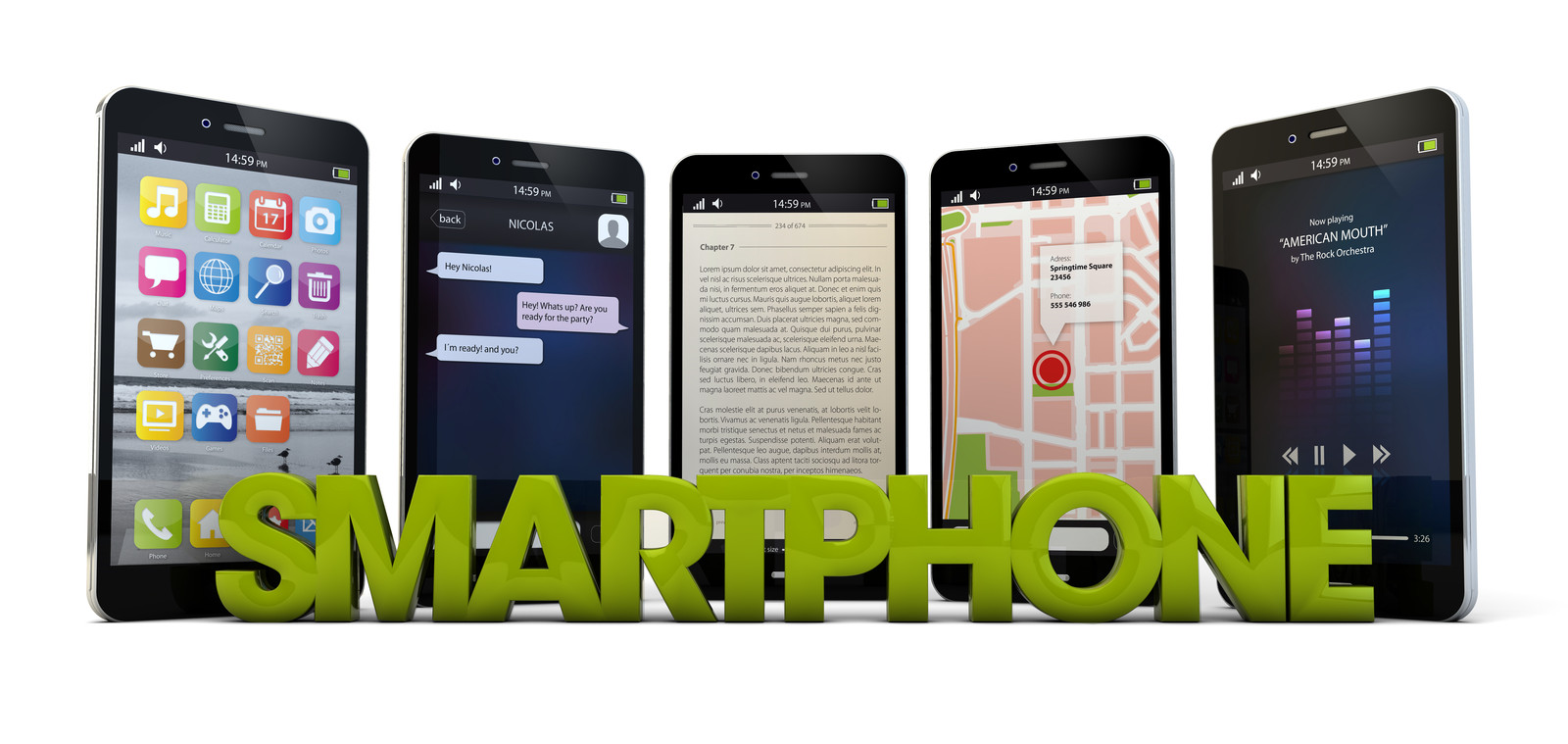
 Some of you may have cell phones that you are no longer using, and that you may be interested in donating, but are hesitant because you are not quite sure how to get that done safely and efficiently. After all, most of our phones contain information that is personal, and private to our friends/acquaintances. Of course, you don’t want to pass on your contact information when you donate your phone. In addition, you don’t want to manually delete your passwords and email and all of your personal information.
Well, it turns out there is a fairly quick way to get that information cleared off your phone. However, before you delete any information, I suggest you contact your phone company carrier to help you with transferring your information to your new phone.
Afterwards, you can check the Settings icon on your phone to see if there is a Reset option. In addition, Consumer Information suggests that you remove the SIM and SD Cards. Source: Disposing of Your Mobile Device | Consumer Information
iPhone users may want to check WikiHow suggestions for factory resetting your phone by clicking this link: http://www.wikihow.com/Hard-Reset-an-iPhone
Android users can click this link: http://www.wikihow.com/Reset-Your-Android-Phone
- By donating your cell phone you are doing more than just providing emergency communications for someone in need. In addition, you are helping to provide funds that support the activities of law enforcement and victims services organizations nationwide. Source: The 911 Cell Phone Bank Funds Are Provided To Nonprofit Agencies For Each Donated Cell Phone




 Oftentimes, we buy, or receive as gifts, new devices like iPads and iPhones. Then we assume that we should/ can learn how to use them by ‘tinkering’ around with the buttons and Icons. However, if we just invest a little time by taking a tutorial (or two), we will enjoy and get better experiences from our new device.
 How many of your old e-book readers, video games, cell phones and laptops are taking up your living space, or just lying around discarded and you can’t figure out what to do about them?
 As a senior citizen, I would like to inform you there is no getting around using computers to assist us with our lives. If you are 65, by now you have most likely been advised to apply for your medicare benefits ‘
 One excellent way to entertain friends and get yourself into the holiday mood is to download the ElfYourself app. To use it, snap photos of as many as five faces — yours and those of friends and family. Then center the faces in a special frame, add a custom text message and press “O.K.” ElfYourself pastes the faces onto animated dancing elves in a short, funny musical cartoon — for example, a Christmas countdown song that includes kittens popping up in unexpected places. You can share the resulting video on Facebook, Twitter or elsewhere. Be prepared for giggles. The app is free on iOS and Android, but comes with just one video — the kitten one. Unlocking more video themes costs $6, for which you get different music styles like hip-hop or an “Oh Hanukkah” video.
 Whether you’re buying a high-tech token of affection for that special someone or a birthday gift for Mom, everyone loves gadgets. Finding the right gift, however, can be a challenge with so many compelling products vying for your attention. Fortunately, we’ve picked the best products to get you started. From budget-friendly Chromebooks to the fastest tablets and the sleekest-looking bags, these are the hottest gadget gifts available now. For even more ideas, see our full list of 100+ gift recommendations on Tom’s Guide by clicking the link below.